| Fri, 12 Dec 25 03:59:16 +0000 |
|
Help
This may be outdated.
Installing
Connecting
Auto-login
Uninstalling
| Installing |
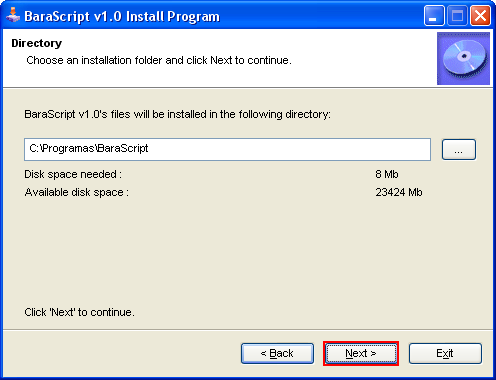
Choose an installation folder and click next.
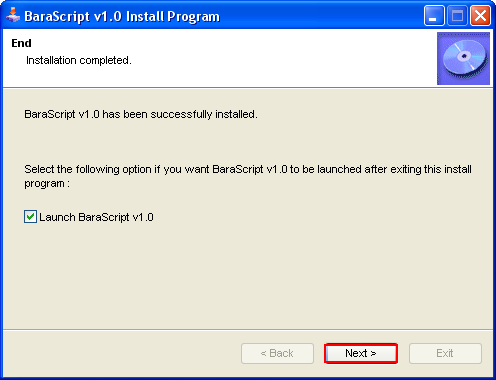
The program is now installed, click 'Next' to launch. |
| Connecting |
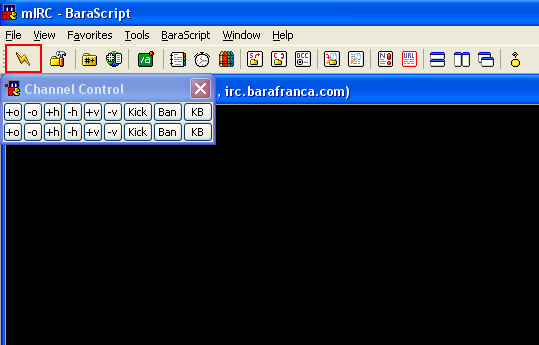
Launch the program and click on 'Connect'  button. button.
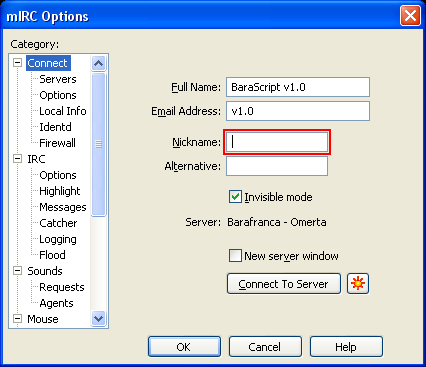
Type your nickname.
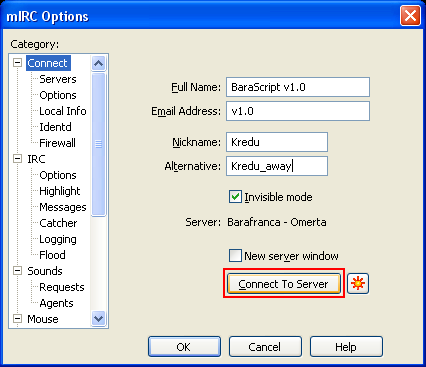
Click on 'Connect To Server' button.
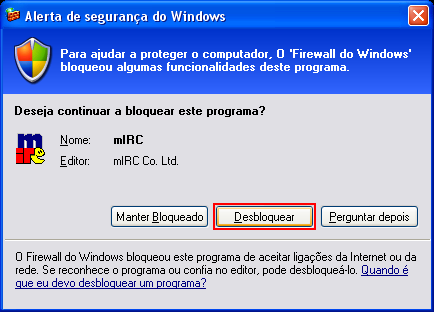
Click on 'Unblock' button. |
| Auto-login |
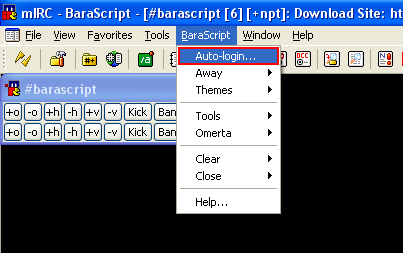
Open Auto-login setup dialog.
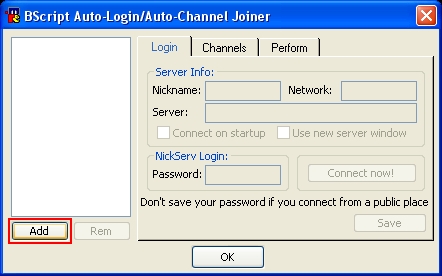
Click on 'Add' button.
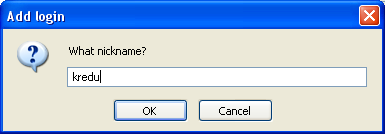
Type your nickname and click OK.
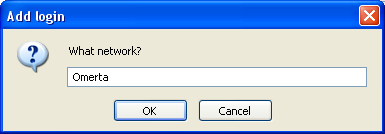
Click 'OK' button.
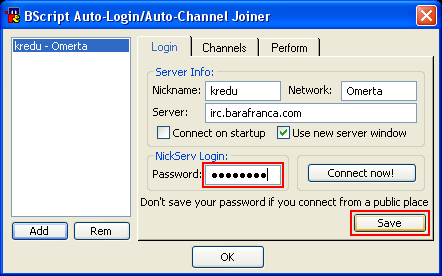
Type your Services password and click on 'Save' button. |
| Uninstalling |
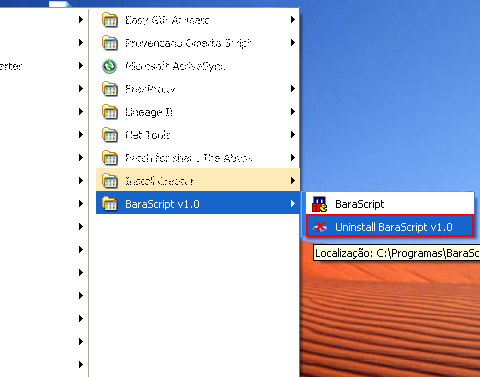
Open uninstall program.
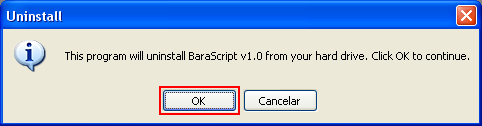
Click 'OK' button.
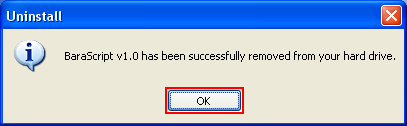
The program is now uninstalled, click 'OK' to close. |
|
| Pageviews: 11,430,490
Page generated in 0.02364 seconds with 8 queries
|
|
|

 Home
Home